The Joint Admissions and Matriculation Board (JAMB) has released the results for the 2025 Unified Tertiary Matriculation Examination (UTME). If you’re one of the over 1.9 million candidates who sat for the exam, you can now check your scores through the official channels.

According to JAMB’s statistical report, over 1.5 million candidates scored below 200 in this year’s UTME. Only 420,415 candidates scored above 200, while less than 1% achieved scores above 300.
JAMB also noted that 40,247 underage candidates were allowed to take the exam, but only 467 (1.16%) met the threshold for exceptional ability as defined by the board.
In this post, we’ll guide you through the easy steps to check your UTME results either online or via SMS.
How to Check UTME Results 2025 via the Website:
-
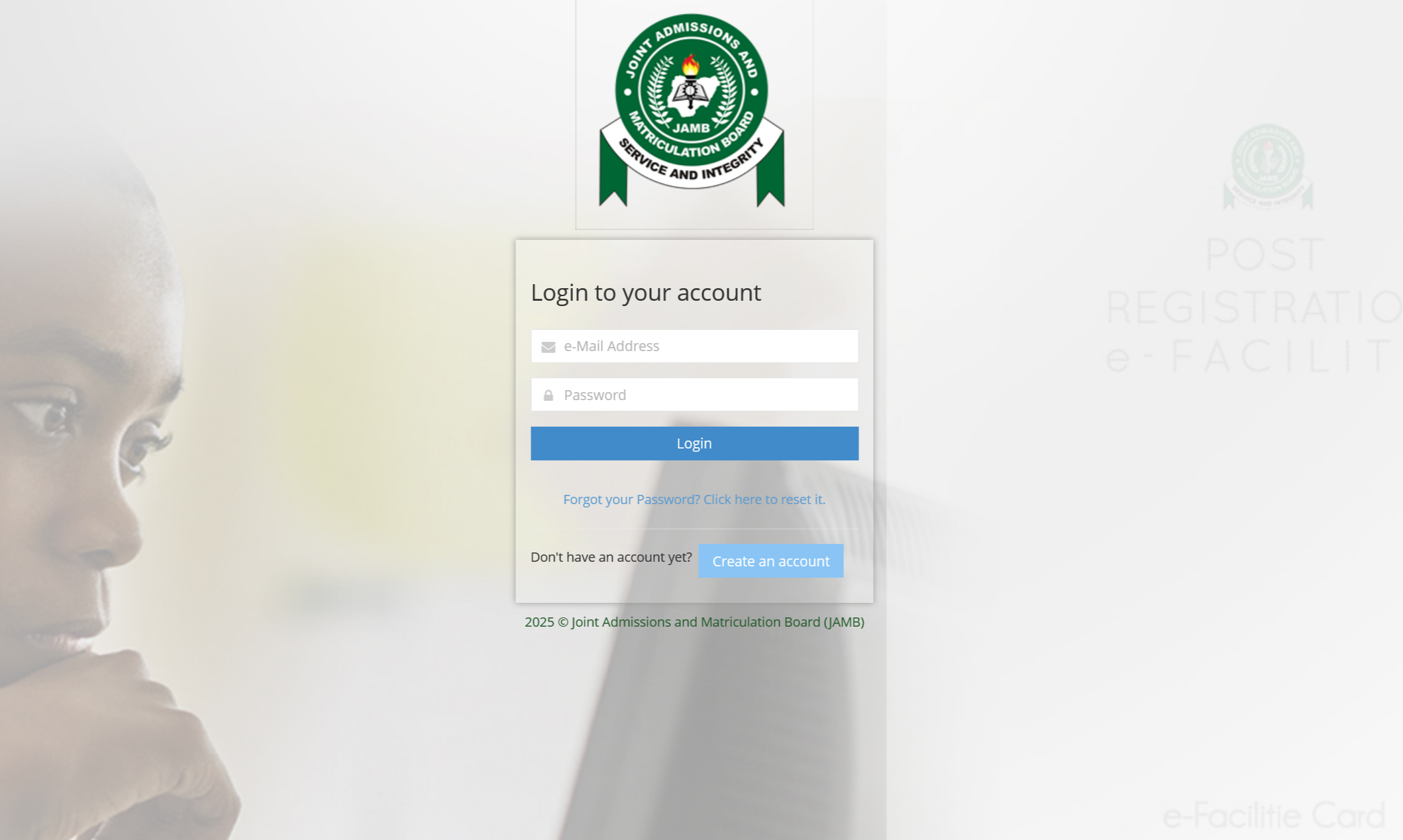
Visit the JAMB eFacility Portal:
Open your browser and go to the official JAMB portal at https://efacility.jamb.gov.ng/login. -
Log In:
Enter the email address and password you used when registering for the exam. -
Access Your Results:
After logging in, click on the “Check UTME Results” button. Your results for each subject will be displayed on the screen.
How to Check UTME Results 2025 via SMS:
-
Open Your Messaging App:
Launch your text message app on your mobile phone. -
Compose a New Message:
Type “RESULT” (in all caps) followed by your JAMB Registration Number. -
Send the Message:
Send this message to either 55019 or 66019. -
Receive Your Results:
JAMB will reply with an SMS containing your UTME results for each subject taken.
Important Note:
There is a service charge of N50 for checking your results via SMS, which will be deducted from your mobile phone airtime.

The Students Forum Nigeria serves as the ultimate hub for Nigerian students, fostering academic growth, social engagement, and knowledge sharing.